Before you start
- A compatible Android phone or tablet
- A ChannelDeck account with Premium access and an available shared device slot
- Your authorized M3U or Xtream Codes source, or an optional ChannelDeck Network server
Set up your device
Install the Mobile application
Get ChannelDeck Mobile from Google Play on your phone or tablet, or use the Mobile APK in the official Downloads section. Check that you selected Mobile rather than the television Player. iPhone and iPad are not supported.
Activate the phone or tablet
Open Mobile and use the current code on its activation screen at channeldeck.online/activate. Sign in with the account that has Premium access. If using the same phone for the website, return to Mobile afterward and wait for activation to finish. TV and Mobile activations share the five-device allowance.
Configure a source on this device
Use source setup to add the M3U playlist URL or Xtream Codes server and credentials that you are authorized to use. Attach your XMLTV guide when supplied. You can also connect to an optional ChannelDeck Network server containing your personal media. A Network server is not required for a direct live source.
Check touch playback and schedules
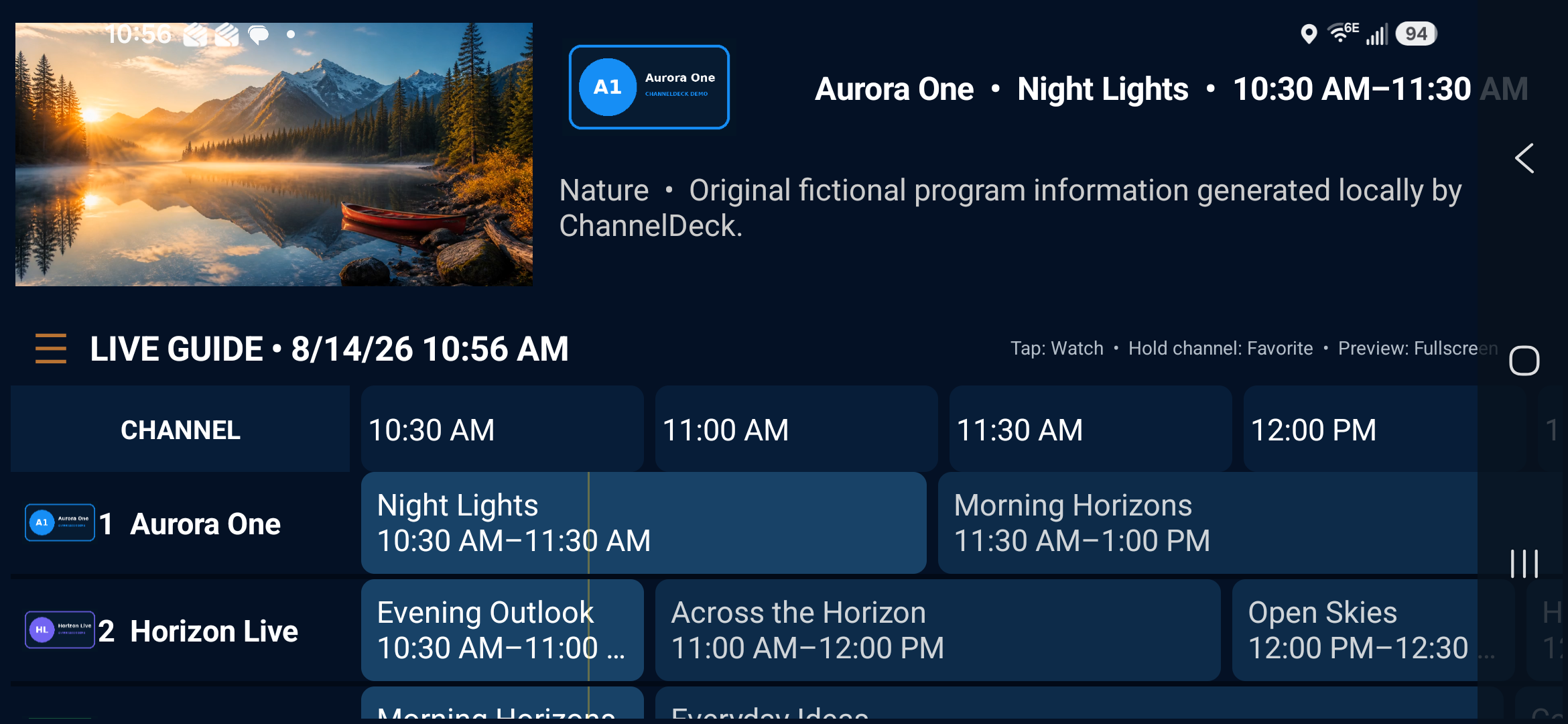
Use the landscape guide to choose a group and channel. Start playback, try the touch controls and return to the guide to confirm program listings. Check access on your intended Wi-Fi or mobile-data connection; streaming uses data and your source’s simultaneous connection limits still apply.
Troubleshooting
If Mobile cannot activate
Confirm that the signed-in account has Premium access and an available shared device slot. Manage old devices from the account panel if the allowance is full. Use the current activation code. Installing Mobile does not create a separate purchase or an additional five-device pool.
Why your TV’s playlist is not already on the phone
Source URLs, usernames, passwords and Xtream credentials remain on each device. Favorites and general-settings sync does not transfer those credentials. Add the source on the phone separately and check that the source permits the extra simultaneous connection.
If viewing works at home but not away
Check the source’s access rules and the phone’s internet connection. A private Network server needs its own configured remote access and a direct reachable path; ChannelDeck does not relay media. Verify local playback first, then follow the Network product requirements before planning away-from-home viewing.