Smaller, clearer menus
Playback choices, profile menus and setup prompts use compact rows with clear labels and icons.
 Install the Player
 CHANNELDECK FOR ANDROID TV
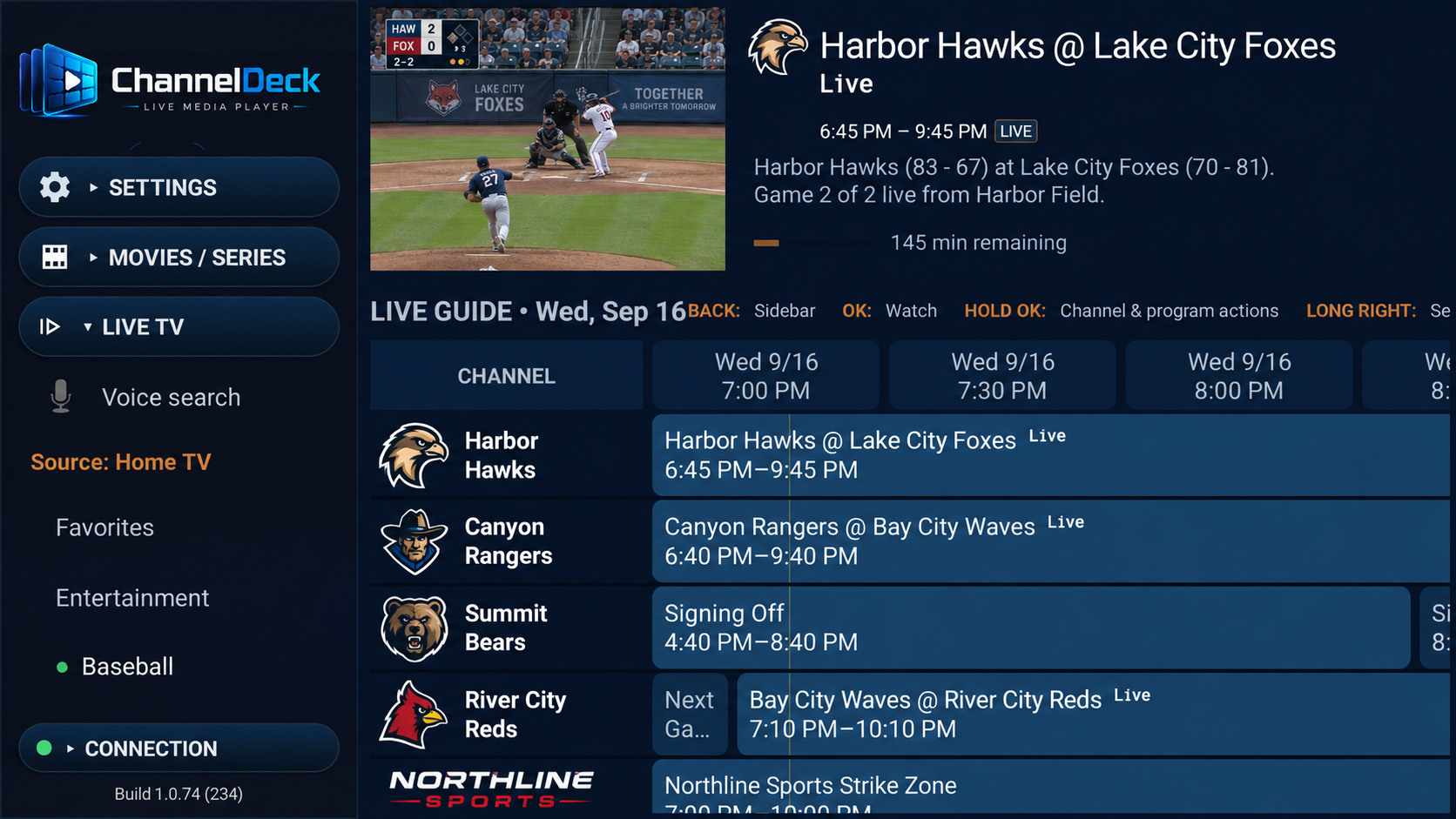
ChannelDeck Player is an IPTV and live media player for Android TV, Google TV and compatible Fire TV devices. Bring your authorized M3U playlists, XMLTV guides or Xtream Codes sources. Local and Network add your personal media in two different ways.
PLAYER UPDATE · VERSION 2.2
Choose playback and settings options in smaller, clearer menus.
Playback choices, profile menus and setup prompts use compact rows with clear labels and icons.
Browse longer lists with your remote while the close control stays within reach.
Close menus with the compact X Close control. A checkmark keeps the selected option clear as you browse.
This update applies to Android Player on Android TV and Fire TV.
Get Player 2.2FIND YOUR SETUP
Pick the outcome you want. We will show you exactly which product—or combination—you need.
1 of 4 · ChannelDeck Player
PERSONAL MEDIA
Both bring your own Movies, Series, and Music into ChannelDeck. The difference is how much infrastructure and control you want.
CHANNELDECK LOCAL
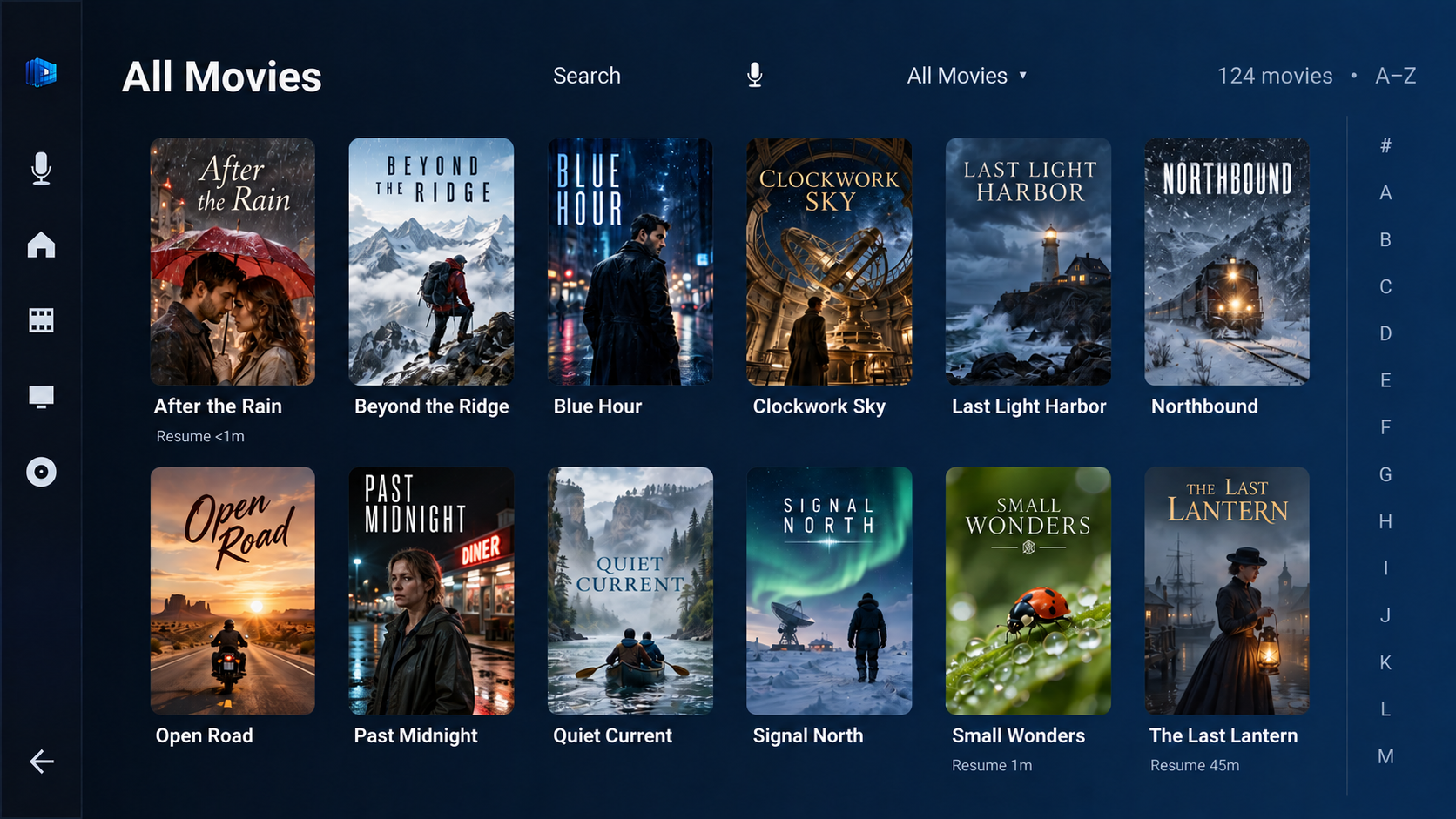
Choose specific SMB folders on storage you control. Local builds a private catalog on the television device and makes it available inside ChannelDeck Player.
CHANNELDECK NETWORK
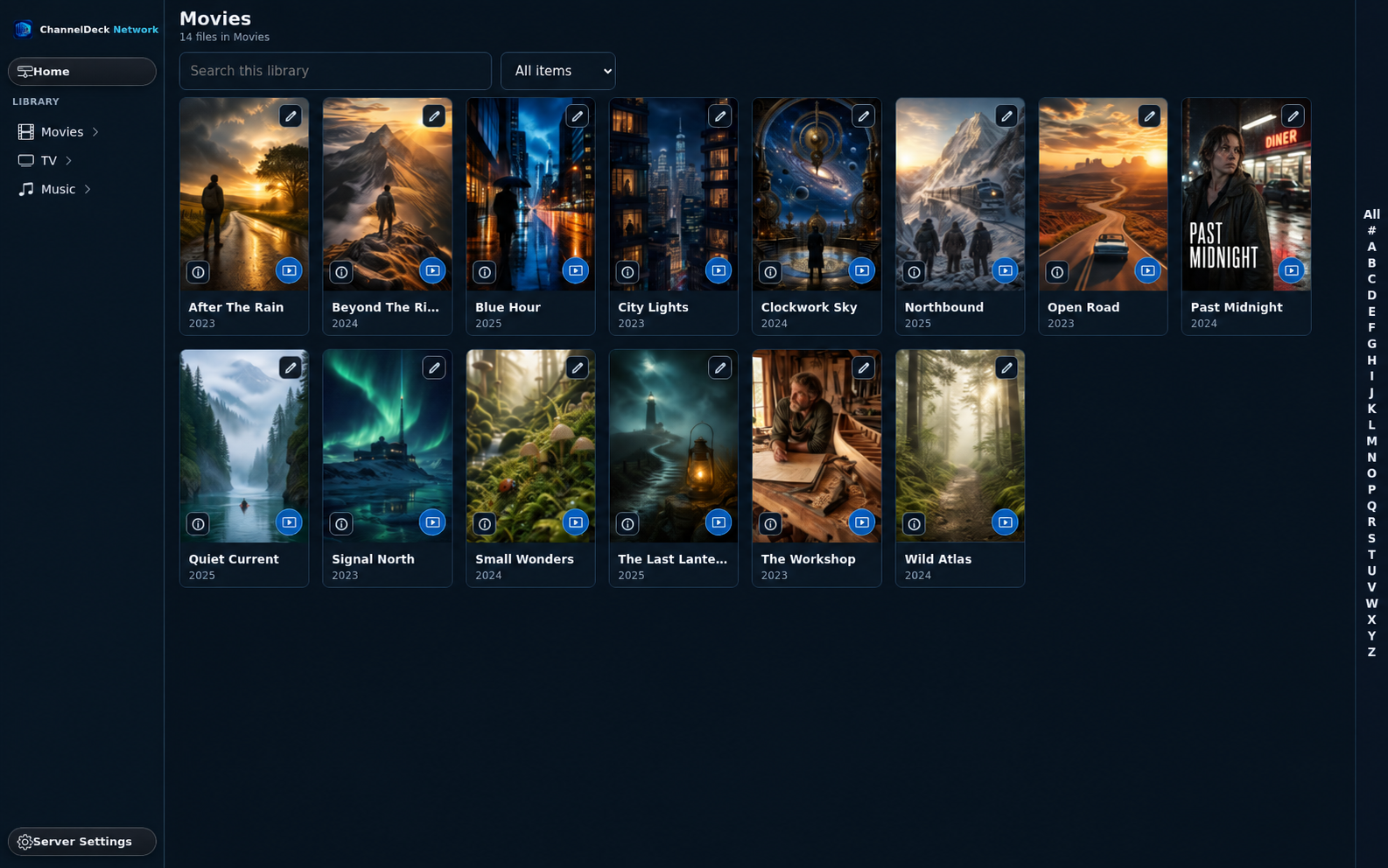
Run a private Windows or Linux server for your whole library. Manage metadata and artwork, monitor streams, and connect ChannelDeck viewing apps at home or away.
CHANNELDECK PREMIUM
DVR, Catch-up, Multi-view, multiple sources, advanced guide tools, sync, and up to five shared TV and Mobile devices. Premium is an upgrade to Player. Try every Premium feature free for seven days from your first activation. It is not ChannelDeck Network.
See Premium featuresINCLUDED WITH PREMIUM
Use authorized sources directly or connect to your private Network server from a compatible Android phone or tablet. Mobile shares Premium's five-device pool.
Explore MobileCHANNELDECK NETWORK MUSIC APP
ChannelDeck Music connects directly to your own Network server for artists, albums, songs, Favorites, voice search, and reliable playback resumption.
Explore MusicHOW TO GET STARTED
Get the Android TV app from Google Play or use the direct APK.
Use your authorized source, an antenna tuner, Local, Network, or the combination that fits.
Enjoy one clear interface on the devices included with your setup.
READY FOR THE BIG SCREEN
Install the Android TV player first. Product prices and exact package differences live on one clear comparison page.
CHANNELDECK MUSIC 1.0.16
Browse artists, albums, songs, Favorites, and recently added music; use voice search and full playback controls; and resume the previous queue when Android Auto reconnects.
CHANNELDECK NETWORK INSTALLERS
Linux 0.1.60 · Windows 0.2.39. Reach the alphabet selector, keep editing controls in view, and search TVDB from episode matching. Episode cards show runtime and codec without file size.
FOR THE DOWNLOADER APP
These are reference codes, not website links. Open the Downloader app on the target device and type the appropriate code.
IPTV PLAYER GUIDES
Installation, playlists, program guides and Premium viewing tools.