Before you start
- A compatible Android TV, Google TV or NVIDIA Shield TV device with internet access
- A ChannelDeck account and a phone or computer for device activation
- Your authorized playlist address or Xtream Codes account, plus an XMLTV guide if supplied
Set up your device
Install ChannelDeck Player on the TV
Open Google Play on the television and find ChannelDeck IPTV Player. Check that the package is ChannelDeck Player, not ChannelDeck Mobile. Install and open the app. If Google Play does not offer it for your device, check compatibility before using the official Player APK from Downloads.
Link the TV to your ChannelDeck account
Keep the activation screen open. On your phone or computer, open channeldeck.online/activate, register or sign in, and enter the current code shown on the TV. Wait for the television to confirm access before leaving the activation screen. Free supports one active device and one source.
Connect your viewing source
In source setup, choose your source type. For M3U, enter the complete playlist URL and the XMLTV guide address if supplied, then select Add M3U source. For Xtream Codes, enter the server address and credentials supplied by your source, then select Add Xtream account. A compatible HDHomeRun tuner is another supported source for antenna TV.
Check a channel and its guide
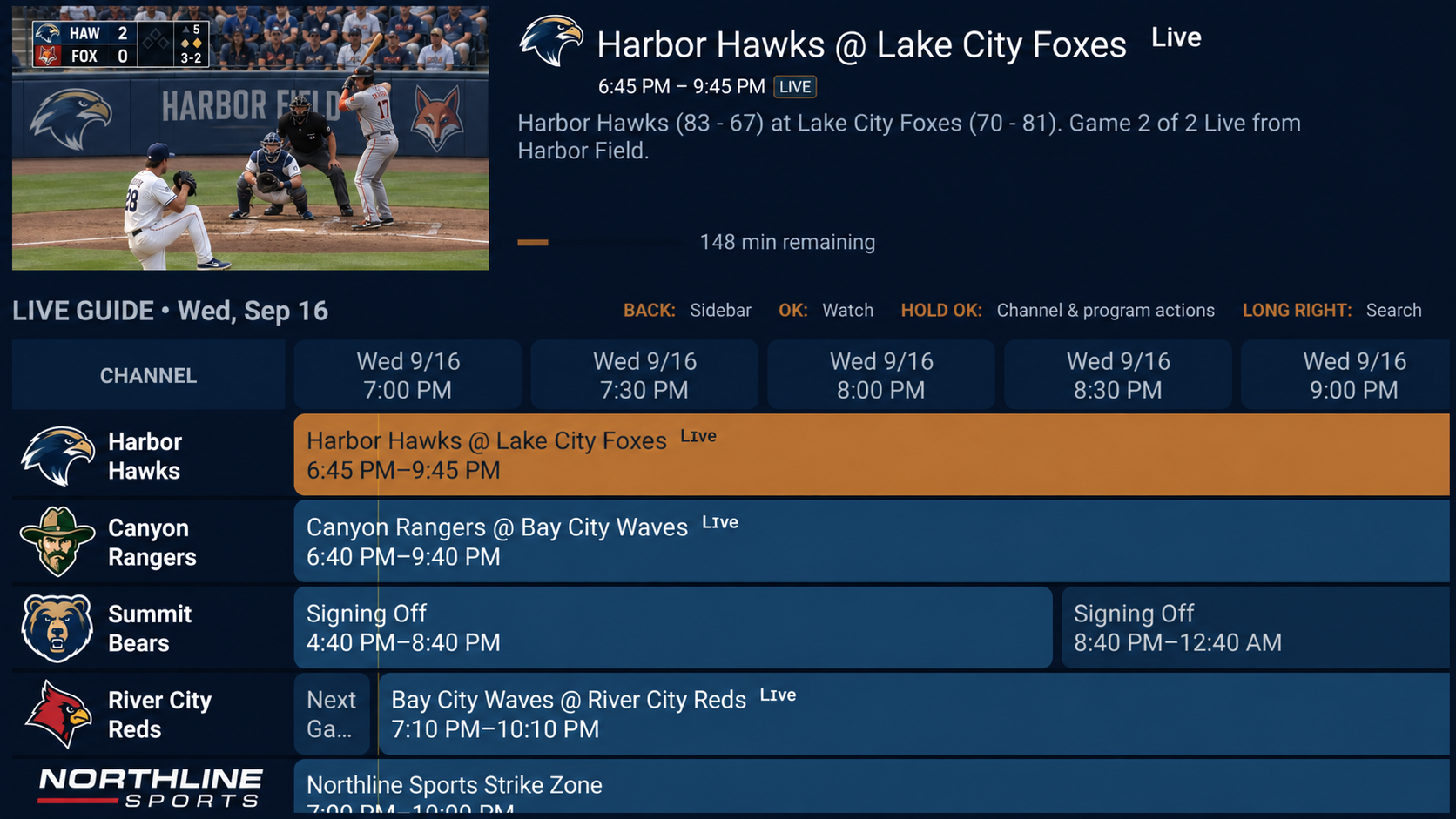
Open a channel group and play one channel, then return to the guide to check its schedule. Test basic playback before setting up recording or Multi-view. Premium adds those features and additional device slots; source connection limits and device capabilities still apply.
Troubleshooting
If the TV does not activate
Use the current code on the device rather than an earlier code. If the account has reached its active-device allowance, manage existing devices from the account panel before activating another. Confirm that the TV and the activation browser both have internet access.
If channels or program listings are missing
Check the entire source address, including query parameters, and confirm access with your source. A playable channel with an empty schedule usually needs a working XMLTV guide and matching channel identifiers. Follow the playlist and EPG guides below; Premium offers manual EPG matching.
If playback or voice search needs attention
Try one channel before opening several streams and check your source’s simultaneous connection allowance. Voice search needs an Android speech-recognition service; remote navigation and text search remain available when the device does not provide one. Network is optional for direct live sources.