Prepare storage and source access
Use a supported Player device, Premium and writable SMB storage on your network. ChannelDeck can discover and browse SMB storage. Choose a location with sufficient free space and a reliable network path.
Your source must remain available throughout recording. Account stream limits matter when recording while watching another channel or when scheduling overlapping recordings. Recording also depends on the permissions and terms applicable to your source.
Record now or schedule from the guide
Record the currently playing channel or choose a future program from the guide. Scheduled program recording depends on accurate EPG data. Check the channel match and program times before relying on a schedule.
Premium supports continuing recording in the background while watching another channel or while the ChannelDeck interface is closed. The device still needs power, network access and access to the source and storage; closing the interface is not the same as powering off the device.
Find and manage recordings
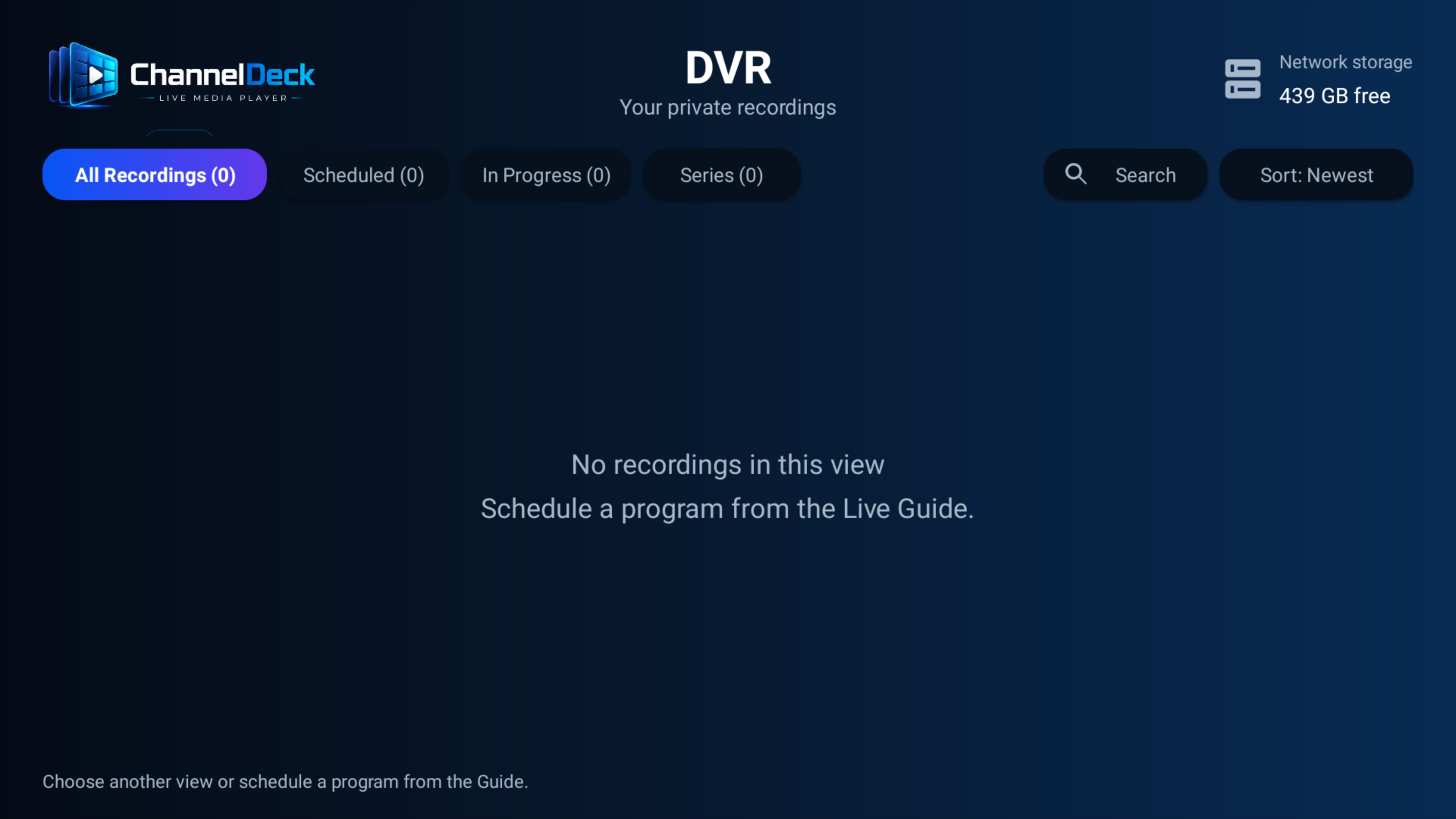
The DVR library organizes completed recordings, scheduled programs and recordings in progress. Play completed recordings in ChannelDeck and remove recordings you no longer need. Check network-storage status if a recording cannot start or complete.
On Fire TV, recording requires Fire OS 8 on Android API 30 or newer. DVR is disabled on older Fire OS devices. A ChannelDeck Network media server is not required for Player’s SMB recording workflow.